Get the d666 dice App — Casino, Sports & Live Games on Your Phone
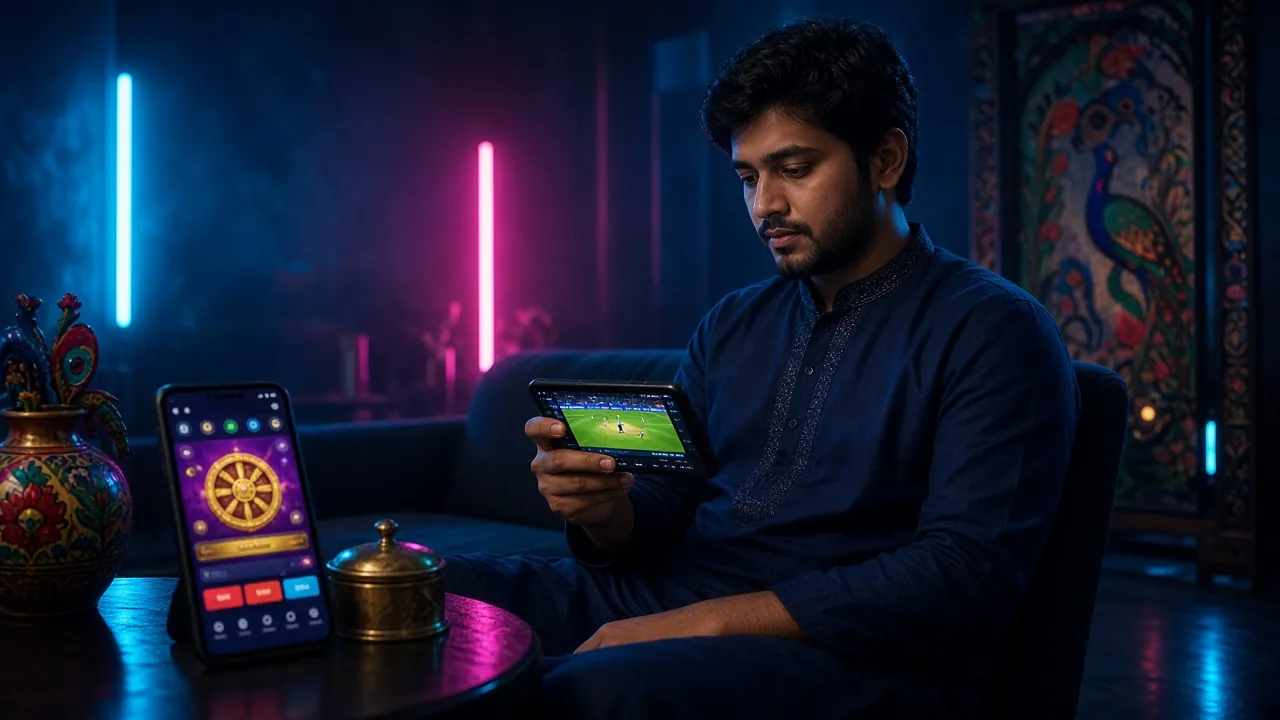
The d666 dice App brings the full casino floor to your Android or iOS device. Deposit with bKash or Nagad, place cricket bets, spin slots and play live tables — all from one lightweight app. Free to download, no account needed to browse.


d666 dice App — What's Inside the File
d666dice.apk
File size: 45 MB · Version: 2.4.19 · d666dice.apk
iPhone or iPad? Add d666 dice to Your Home Screen
Apple does not allow casino APK downloads through the App Store. Instead, use Safari to pin the site as a shortcut — it behaves like a full app and keeps you logged in.
- Open https://d666dice.net in Safari on your iPhone or iPad.
- Tap the Share button (the square with an upward arrow) at the bottom of the browser.
- Scroll down the share sheet and tap "Add to Home Screen".
- Change the name to d666 dice if you like, then tap Add in the top-right corner.
- The icon now appears on your home screen. Tap it to open the site in full-screen mode without the browser toolbar.
Install the APK on Android in Five Steps
Android blocks APK files from outside the Play Store by default. You need to allow "Unknown Sources" once — the whole process takes under two minutes on any phone running Android 7.0 or later.
-
1
Allow installation from unknown sources
Open Settings → Security (or Privacy on Android 10+) and toggle on Install Unknown Apps for your browser. On some Samsung devices this is under Biometrics and Security. You only need to do this once; you can turn it off again after installing.
-
2
Download d666dice.apk from this page
Tap the Download APK button above. Your browser will save
d666dice.apk(45 MB) to your phone's Downloads folder. Wait for the download bar to reach 100%. -
3
Open the downloaded file
Pull down your notification shade and tap d666dice.apk — Open, or go to your Files app → Downloads and tap the file. Android will show a permission screen asking if you want to install this app.
-
4
Tap "Install" and wait
Hit Install on the prompt. Installation usually completes in 10–20 seconds. When you see "App installed", tap Open or find the d666 dice icon on your home screen.
-
5
Log in or register to start playing
Open the app and tap Log In if you already have an account, or Register to create one. New accounts qualify for the welcome bonus. Need help logging in? See the d666 dice Login guide.
d666 dice App vs Browsing the Website
Both options give you full access to your account, games and payments. Here is where they differ — the app wins on speed and notifications, the website wins on zero install time.
| Feature | d666 dice App | Web Browser |
|---|---|---|
| Page load speed | Faster — cached assets | Depends on connection |
| Push notifications | Yes — bonus & match alerts | Not available |
| Install required | 45 MB APK download | No install needed |
| Mobile data usage | Lower — assets pre-loaded | Higher per session |
| Deposit via bKash / Nagad | Yes | Yes |
| Live casino & slots | Full access | Full access |
| Biometric login | Fingerprint / face | Not supported |
| Works offline (lobby) | Partial — lobby cached | No |
| Best suited for | Daily players, cricket bettors | Occasional visitors, iOS |
What You Can Do Inside the App
The app is not a stripped-down version — every feature from the desktop site is available. Below are the six areas players use most.
-
One-tap login with biometrics Set up fingerprint or face recognition on first launch. No need to type your password every session. Works on any Android 7.0 phone with a fingerprint reader.
-
Deposit and withdraw inside the app bKash, Nagad, Rocket and Bank Transfer are all built in. Minimum deposit ৳100; withdrawals processed in around 35 minutes. See the deposit guide for step-by-step instructions.
-
Full casino lobby — slots, live tables, fishing All 4,500 games load directly in the app. Swipe between PG Soft slots, Evolution live dealers, Aviator crash and CQ9 fishing without leaving the app.
-
Cricket and football betting with live scores Follow IPL, BPL, Champions League and ODI matches with real-time odds updates. The in-play screen shows ball-by-ball scores alongside your open bets.
-
Push notifications for bonuses and match starts Get alerted when a reload bonus is live, a cricket match goes in-play or your withdrawal is approved — without opening the app. Toggle alerts in Settings → Notifications.
-
24/7 live chat without switching apps The support chat opens inside the d666 dice App — no browser redirect. Average first response under two minutes during peak hours.
App Permissions — What They Are and Why They're Needed
The d666 dice App requests a small set of standard Android permissions. It does not access your contacts, SMS messages or call log. Here is exactly what gets requested and why.
| Permission | Why it's needed | Can you disable it? |
|---|---|---|
| Internet | Load games, process deposits and connect to live chat. | No — the app cannot work without network access. |
| Notifications | Send bonus alerts, withdrawal status and match kick-off reminders. | Yes — Settings → Apps → d666 dice → Notifications → Off. |
| Biometrics | Enable fingerprint or face login so you skip typing your password. | Yes — only requested if you choose biometric login during setup. |
| Camera | Scan QR codes for quick bKash payments; also used for document upload if identity review is requested before your first withdrawal. | Yes — revoke in App permissions; manual entry still works. |
| Storage (read) | Upload ID documents or screenshots to customer support. | Yes — restricting this disables file upload only. |
Only download from d666dice.net
Third-party APK mirror sites sometimes repackage files with added adware or spyware. The only official source is https://d666dice.net/d666dice-app/. If your antivirus flags the file from this page, that is a false positive from the app's payment module — submit the file to your antivirus vendor as a false positive report.
Running the App on a Budget Phone or Slow Connection
The app is optimised for mid-range and entry-level Android devices sold in Bangladesh. If you are on a 2G / 3G network or a phone with 2 GB RAM, these settings help.
Low-memory devices (2 GB RAM)
Play slots and crash games without issues. For live dealer video streams, set the in-game quality to Low (480p) in the video settings — it uses roughly 60% less data and reduces buffering on 3G.
2G / 3G network tips
Slots and sports betting load well on 3G. Live casino video needs at least a stable 3G signal. Turn off background app refresh for other apps while playing to give the d666 dice App maximum bandwidth.
Battery and data saver mode
Enable the in-app Data Saver toggle (Account → Settings → Data Saver). This disables lobby animations and reduces image quality in the game list, cutting data use by roughly 40% per session without affecting gameplay.
App cache management
The app caches game thumbnails locally. If your phone storage is below 1 GB free, go to Settings → Apps → d666 dice → Clear Cache. This removes thumbnails only; your account data and bet history are stored server-side.
What works without internet?
The game lobby grid loads from cache, so you can browse game titles offline. Actual gameplay, deposits and withdrawals all require an active internet connection. The app shows a clear "No connection" notice if the network drops.
Keeping the app updated
Updates are pushed automatically when you open the app on Wi-Fi. If you prefer to update manually, revisit this page and download the latest APK — installing over an existing version preserves your login session and settings.
Install Not Working? Fix These Common Problems
Most installation failures have a simple cause. Find your error message in the table below and follow the fix.
| Error / Symptom | Likely Cause | Fix |
|---|---|---|
| "Install blocked" | Unknown Sources not enabled for your browser app. | Go to Settings → Security → Install Unknown Apps, find your browser and toggle it on. Then tap the downloaded file again. |
| "Parse error" | The APK file is corrupted or the download was interrupted. | Delete the partial file from your Downloads folder, reconnect to a stable Wi-Fi network and re-download the APK from this page. |
| "Not enough storage" | Less than 90 MB of free internal storage available. | Free up space by deleting unused apps or old photos. The app needs 45 MB to install and about 20–30 MB for cached data after first use. |
| "App not installed" (no extra message) | An older version of the app is conflicting, or the file signature changed. | Uninstall the old d666 dice App first (Settings → Apps → d666 dice → Uninstall), then install the freshly downloaded APK. Your account stays intact. |
| App crashes on launch | Android version below 7.0, or corrupted install cache. | Check your Android version (Settings → About Phone → Android Version). If it is below 7.0, the app is not compatible — use the mobile website instead. Otherwise, clear the app cache and restart your phone. |
Still stuck?
Open the live chat from the website (not the app, since you cannot install it yet) and send a screenshot of the error message. The support team is available 24/7 and can usually resolve install issues within a few minutes.
Questions Players Ask About the d666 dice App
Is the d666 dice APK safe to install?
Why is the d666 dice App not on Google Play or the App Store?
How do I update the app to the latest version?
Can I use the same account on both the app and the website?
What should I do if the app asks me to verify my identity?
Does the app work during a Bangladesh power outage or on mobile data only?
Ready to Play on Your Phone?
Download the d666 dice App, create your account, and you're ready to deposit with bKash and start playing within minutes.
Already have an account? Log in here. · Minimum deposit ৳100 · Withdrawals in ~35 min