d666 dice App vs Website: Three Ways to Play, One Clear Answer
Below you will find a side-by-side breakdown of every dimension that matters, then a section for each option, then scenario-based recommendations so you can decide in under two minutes.
How the Three Options Stack Up
| Dimension | Android App | Mobile Browser | Desktop Web |
|---|---|---|---|
| Installation | APK download, enable unknown sources; Android 7.0+; 45 MB | No install. Open any browser, go to d666dice.net | No install. Any modern desktop browser |
| Launch Speed | Usually faster — cached assets, no browser overhead | Slightly slower first load; faster on repeat visits (cache) | Fast on a broadband connection |
| Data Usage | Lower — assets stored locally after first install | Standard — reloads resources per session | Highest — full desktop assets loaded |
| Push Notifications | Yes — deposit confirmations, bonus alerts | No native push | No native push |
| Quick Login | Saves session; fingerprint unlock (device-dependent) | Saved password via browser; session expires on close | Saved password via browser |
| Games Available | Full game lobby | Full game lobby | Full game lobby |
| Deposit & Withdrawal | bKash · Nagad · Rocket · Bank; deposit in ~6 min | Same payment options | Same payment options |
| Best Screen Size | 5–7 inch phone screen | 5–7 inch phone screen | 13 inch+ monitor |
| Works on iOS? | Android only | Yes (Safari / Chrome) | Yes |
| Suitable For | Daily active players on Android | Casual users, iPhone users, shared devices | Live table fans, sports bettors, large-stake play |
Android App — Built for Daily Use
The free APK installs in under two minutes and sits on your home screen like any other app. Because game assets are cached after the first run, loading times drop noticeably on 3G connections.
Advantages
- Push alerts for deposit confirmations and new bonuses
- Faster startup — no browser tabs to juggle
- Lower repeat data use once assets are cached
- Stays logged in between sessions (device-dependent)
- Free download, no subscription
Drawbacks
- Android 7.0 or higher required
- Needs unknown sources permission on first install
- Uses 45 MB of phone storage
- Not available for iPhone or iPad
- Needs manual update when new version releases
Mobile Browser — No Install, No Fuss
Open Chrome, Firefox, or Samsung Internet on any phone, type d666dice.net, and you are in. Nothing stored except a saved password in your browser. This is the fastest way to try the site for the first time.
Advantages
- Zero install — works on any smartphone
- Works on iPhone, iPad, and all Android phones
- No storage taken up on your device
- Always on the latest version automatically
- Safe to use on a temporary or shared device
Drawbacks
- No push notifications
- Session may expire when you close the browser tab
- Slightly higher data use on first load each visit
- Slower launch than the installed app
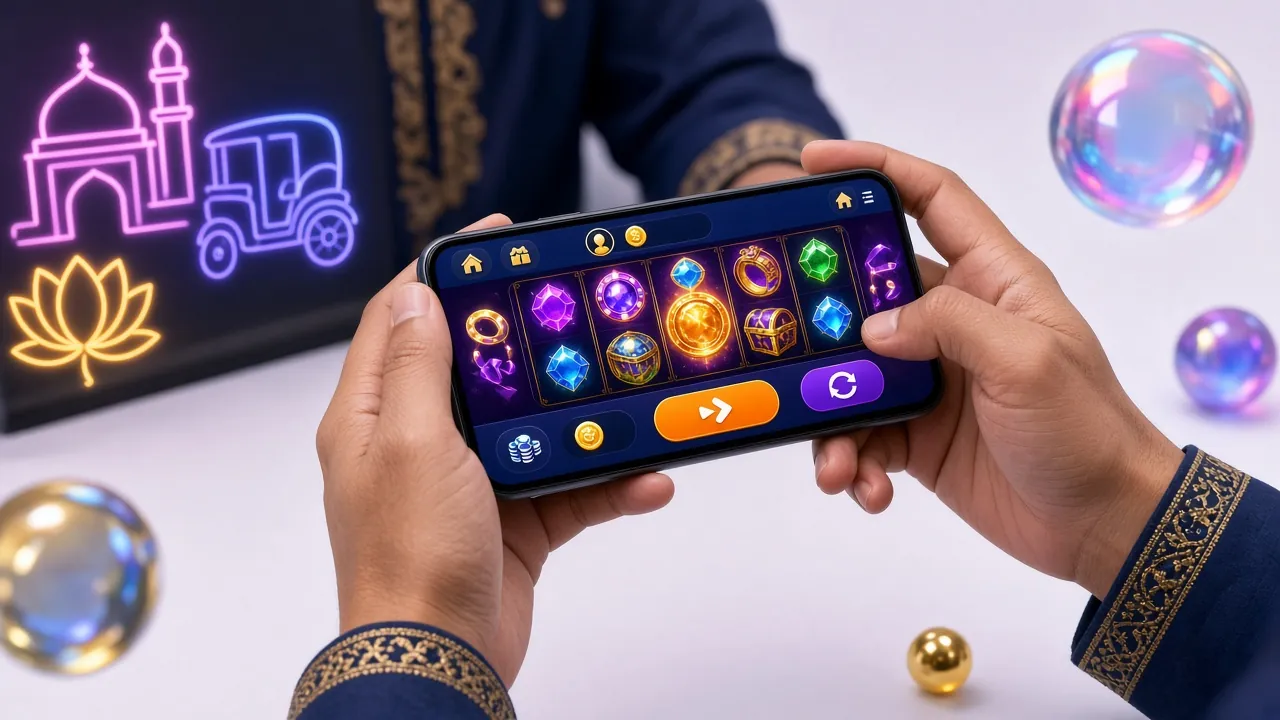
Desktop Website — Playing on a Large Screen
On a laptop or desktop, the full layout opens at once. Live casino tables look sharper, cricket scorecards are easier to read, and you can have multiple game windows open side by side.
Advantages
- Largest screen gives the best view of live tables
- Easier to manage account settings and transaction history
- Keyboard shortcuts speed up betting on sports markets
- Comfortable for longer sessions without eye strain
Drawbacks
- Not portable — tied to a desk or home Wi-Fi
- Uses more data than the app
- No push notifications
- Less convenient for quick bKash deposits on the go
Not Sure? Match Your Situation to the Right Option
These five scenarios cover most players in Bangladesh. Find the one closest to yours and go with that choice.
-
First-time player, any phoneMobile Browser
No setup needed. Open d666dice.net, register, and make a first deposit with bKash in minutes. Try before committing to an install.
-
You play every day and want speedAndroid App
The APK launches faster than a browser tab, keeps you logged in, and sends a push alert the moment your deposit lands or a bonus is ready to claim.
-
Withdrawing a large amountDesktop Web or App
Both work fine. Desktop gives more screen space to review transaction details. The maximum daily withdrawal is ৳2,30,000 regardless of which option you use.
-
iPhone userMobile Browser
The Android APK does not support iOS. Safari or Chrome on iPhone gives full access to all games and payment methods without any workaround.
-
Watching a T20 and betting liveDesktop Web
A wider screen lets you watch the stream and the betting market side by side. Champions League, BPL, and IPL markets all load in the full desktop layout.
d666 dice App — Current Version Details
Before you download, check that your phone meets the minimum requirements. The app is free and takes about one minute to install on a standard 4G connection.
| Current Version | 2.4.19 |
| File Size | 45 MB |
| Minimum Android Version | Android 7.0 |
| Last Updated | 14 November 2026 |
| Price | Free |
| Platform | Android only (APK — not on Google Play) |
| Deposit Methods in App | bKash · Nagad · Rocket · Bank Transfer |
| Deposit Processing Time | ~6 minutes |
| Withdrawal Processing Time | ~35 minutes |
The APK is distributed directly from d666dice.net, not through the Google Play Store. This is standard for casino apps in Bangladesh. Always download only from the official site to avoid fake versions.
Installing the APK on Android
Android 7.0 or higher is required. The whole process takes under two minutes on a 4G connection. Follow these steps exactly and you will not run into the common "install blocked" error.
-
1
Allow Installation from Unknown Sources
Go to Settings → Security (or Settings → Apps → Special App Access on Android 8+) and turn on Install Unknown Apps for your browser. This lets your phone install APK files that come from outside the Play Store. You only need to do this once.
-
2
Download the APK from the Official Page
Visit /d666dice-app/ in your phone browser and tap the Download button. The 45 MB file will save to your Downloads folder. Do not download from any third-party site or Telegram link — only the official page.
-
3
Open the File and Tap Install
Open your Downloads folder (or the notification bar), tap the APK file, and tap Install when the system prompt appears. If you see a warning about the developer, tap Install Anyway — this is expected for sideloaded apps.
-
4
Open the App and Log In (or Register)
Tap Open after installation. The d666 dice app will launch directly to the login screen. Use your existing account or tap Register to create a new one. New players get a welcome bonus on their first deposit.
-
5
Make Your First Deposit via bKash or Nagad
Go to the Deposit section inside the app. Select bKash, Nagad, Rocket, or Bank Transfer. The minimum deposit is ৳100 and funds usually arrive in about 6 minutes. Your welcome bonus is applied automatically on the first qualifying deposit.
Playing on a Budget Phone or a Slow Connection
Not everyone has a flagship Android or home broadband. These tips keep the experience smooth on entry-level phones and 2G / 3G networks common outside Dhaka.
Low RAM Devices (2–3 GB)
Close other apps before launching d666 dice. Slots and fishing games load lighter than live video-streamed tables. Stick to PG Soft or FA Chai slots if RAM is tight.
2G / 3G Networks
Use the Android app rather than the browser — cached assets cut how much data loads each session. Avoid live casino streams on 2G; slots and crash games work better.
Save Battery
Lower your screen brightness and turn off auto-sync for other apps while playing. Live casino tables keep the screen on constantly, which drains battery fastest.
Low Storage Phones
The app uses 45 MB. If your phone is nearly full, use the mobile browser instead — it stores nothing except cookies. Clear your browser cache monthly to free space.
Keep the App Updated
Newer versions often include performance fixes for older hardware. Check the App page periodically and replace the APK when a new version posts.
Reduce Data Costs
Play over Wi-Fi at home when possible. Mobile data charges for live video streams add up quickly on prepaid SIM plans. The app reduces data usage by caching game assets locally after the first install.
Five Ways to Keep Your d666 dice Account Safe
Whether you use the app or the browser, your account security comes down to a few simple habits. Follow these five and you significantly reduce the chance of losing access or funds.
-
Use a Strong, Unique Password
Pick a password you do not use on any other site. At least 10 characters with a mix of letters, numbers, and symbols. Avoid your phone number or date of birth — these are the first things a bad actor tries.
-
Do Not Share Your Device or Credentials
Your account is for one person. Sharing your login with a friend or family member violates the terms and makes it impossible to track unauthorised activity. Keep your username and password to yourself.
-
Watch Out for Phishing Links
Fake versions of the d666 dice site appear in search ads and WhatsApp groups. Always type d666dice.net directly into your browser or use the official APK from the site. Never enter your password on a site you arrived at through an unsolicited link.
-
Log Out When You Are Done
On shared devices or in a public Wi-Fi environment, always log out after each session. The app keeps you logged in by default on your own phone — that is convenient, but only on a device nobody else can unlock.
-
Bind Your Registered Phone Number
Your registered phone number is used for deposit and withdrawal verification via bKash or Nagad. Make sure it is current and that you have access to that SIM. If you change your number, update it in account settings before attempting a withdrawal — first-time withdrawals also require a document check completed within 6 hours.
Questions About the d666 dice App and Website
These are the questions we hear most often from players deciding how to access the site.
Can I use my account on both the app and the browser at the same time?
Does the app cost money or use a subscription?
Is the mobile browser version slower than the app?
What is the minimum Android version for the d666 dice app?
Do I need to do the document check (KYC) before my first withdrawal?
Will the welcome bonus apply if I register through the app instead of the website?
Ready to Start on d666 dice?
Create your free account now. Use bKash, Nagad, Rocket, or Bank Transfer to fund it. The whole registration takes about two minutes.
18+ · Play Responsibly · Gambling involves risk. Only play with money you can afford to lose.